UK shopping notes · Reviewed 18 October 2026
Your first Oopbuy order, with every payment and handover in view
Use the Spreadsheet to find a product, then follow the official account sequence from registration to parcel tracking.
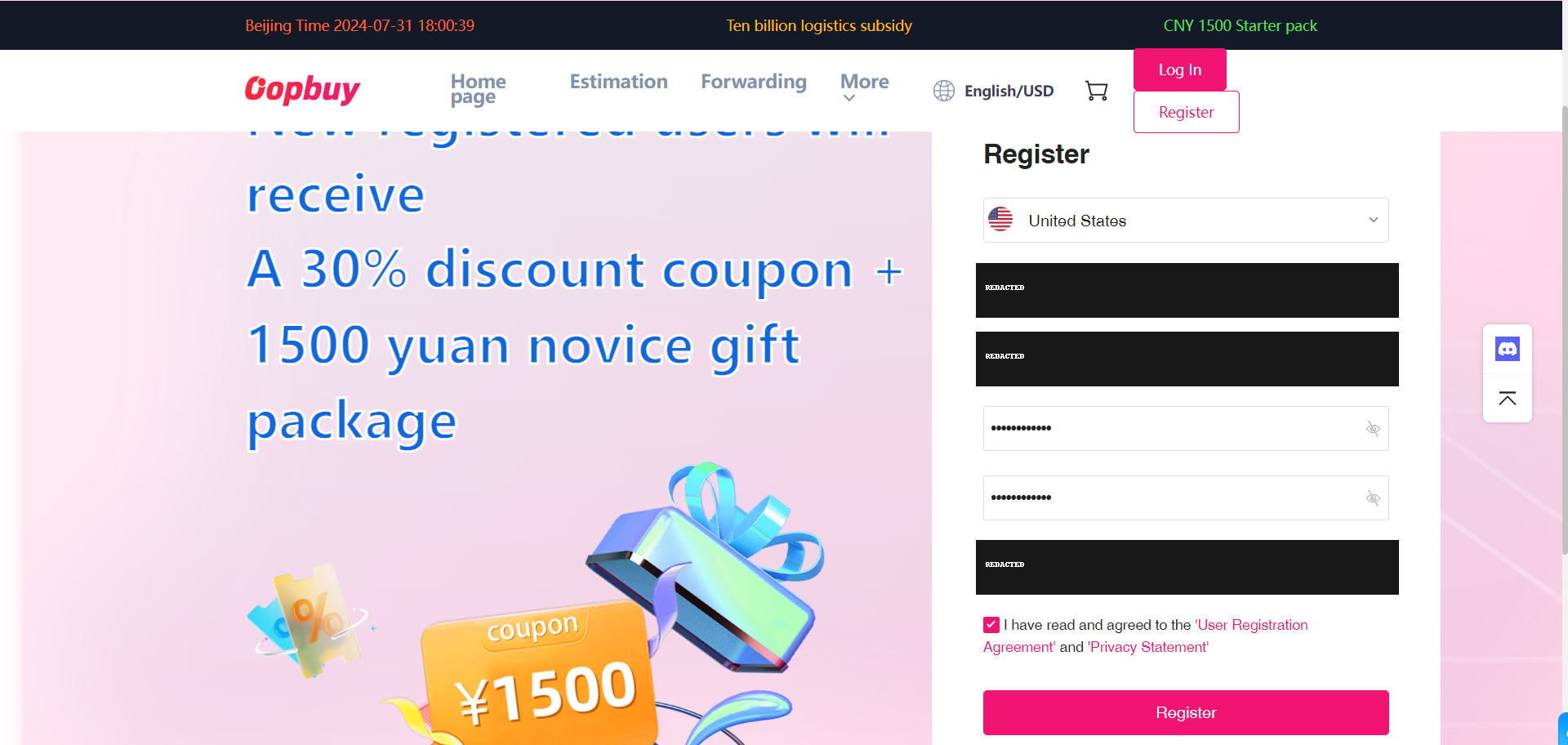
01Register and secure your account
Create or sign in to your account on the official site. Use an email you can access, check the delivery country and keep recovery details private. If a registration option is absent, use the choices on your current screen.
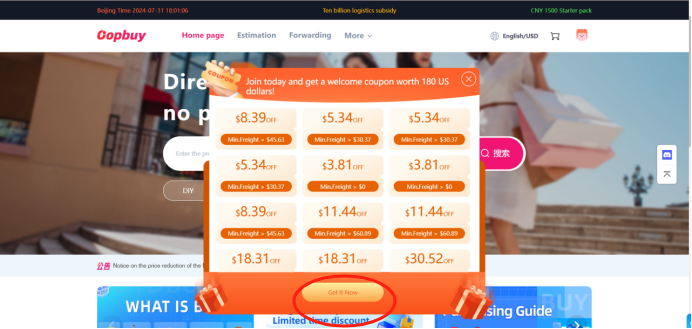
02Check coupons without building a budget around them
The tutorial shows where offers were claimed. Read eligibility, minimum spend, eligible routes and expiry in your account. The old amounts in the image are examples, not an offer from this guide.
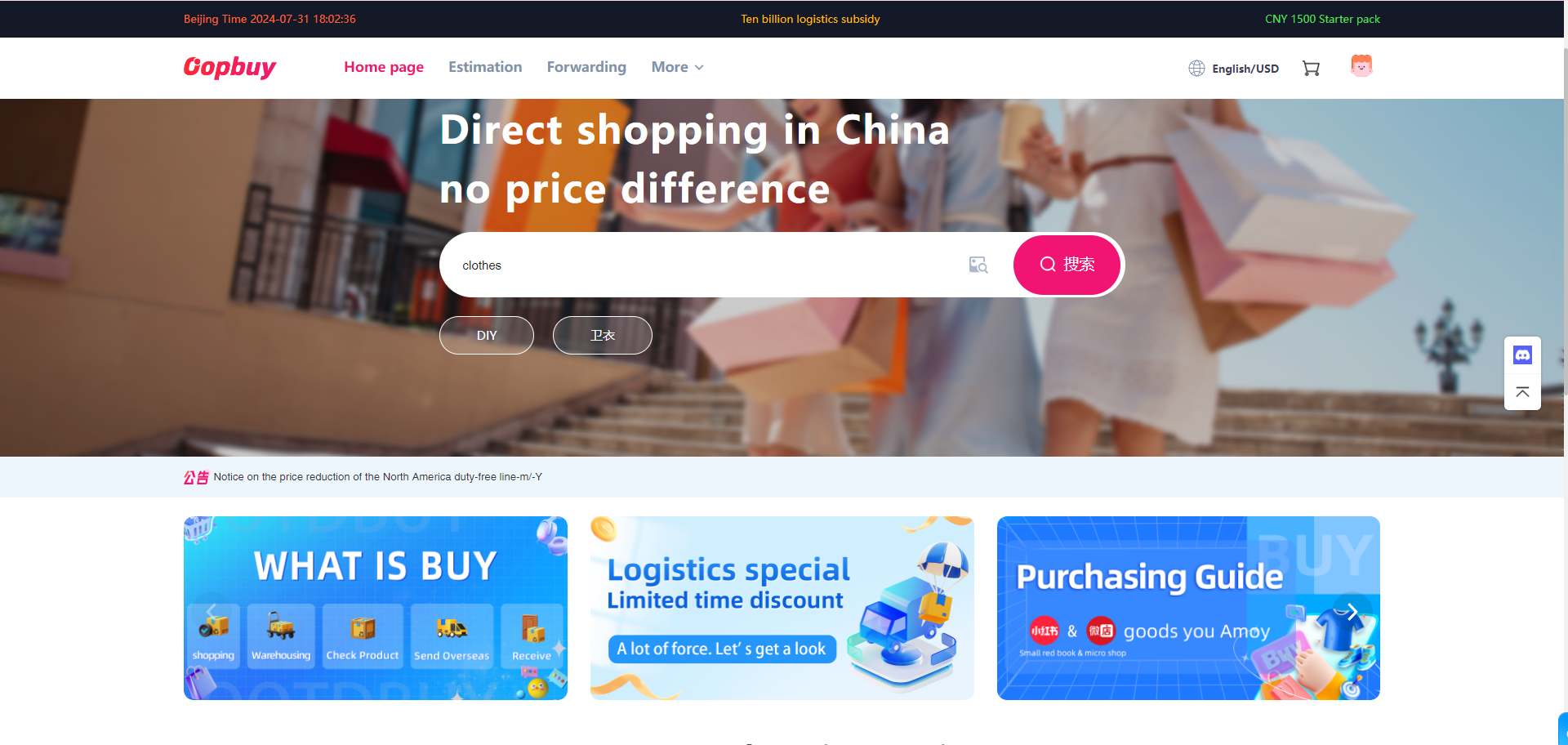
03Search with the seller’s product link
Start with a category or search here, open the seller listing, and copy its full link to Oopbuy. If the link fails, re-open the seller page and check it is a product rather than a shop or shortened share link. A manual/DIY order may need support and explicit variant details.
04Choose the exact item, size and variant
Match colour, quantity and option photos. Compare centimetre measurements with a garment you own; size letters alone are unreliable across sellers. Save the listing, price and variant screenshot before submitting. Ask about missing measurements instead of guessing.
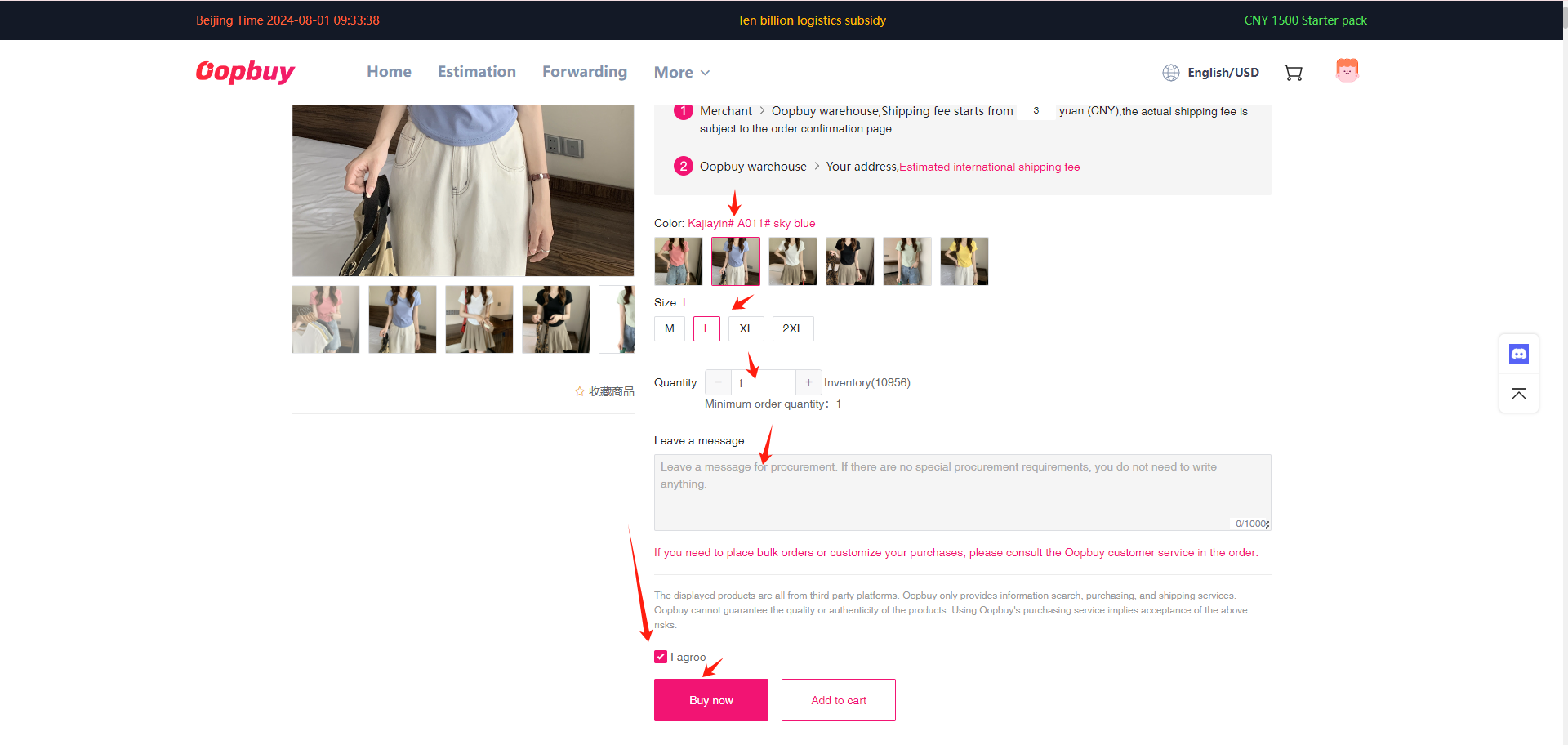
05Pay for the goods and domestic delivery
Review the item total and delivery inside China, then check what the payment provider will debit and the balance credited. This is the first payment. International shipping is separate. Stop if a supplement or changed price is unexplained; compare funding choices before confirming.
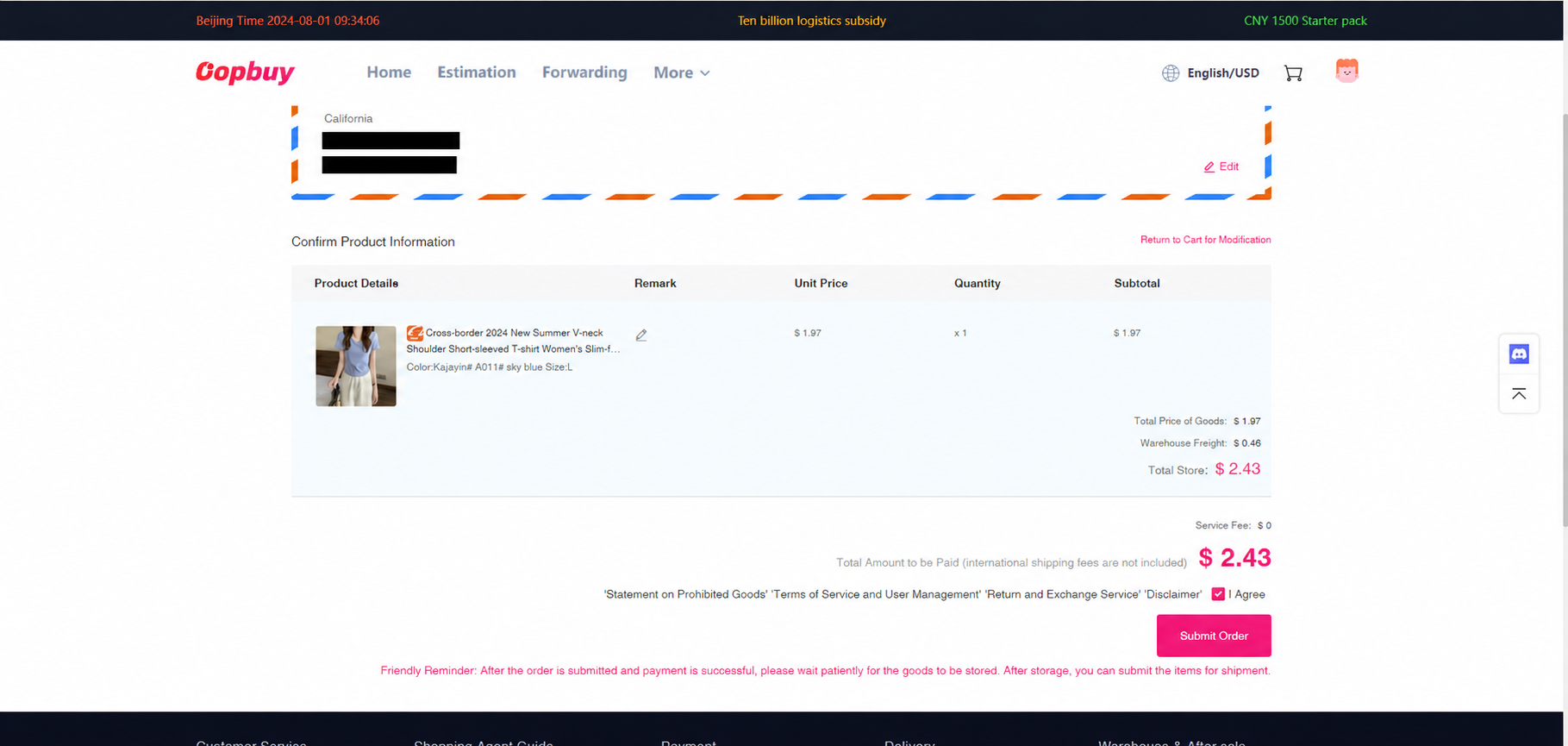
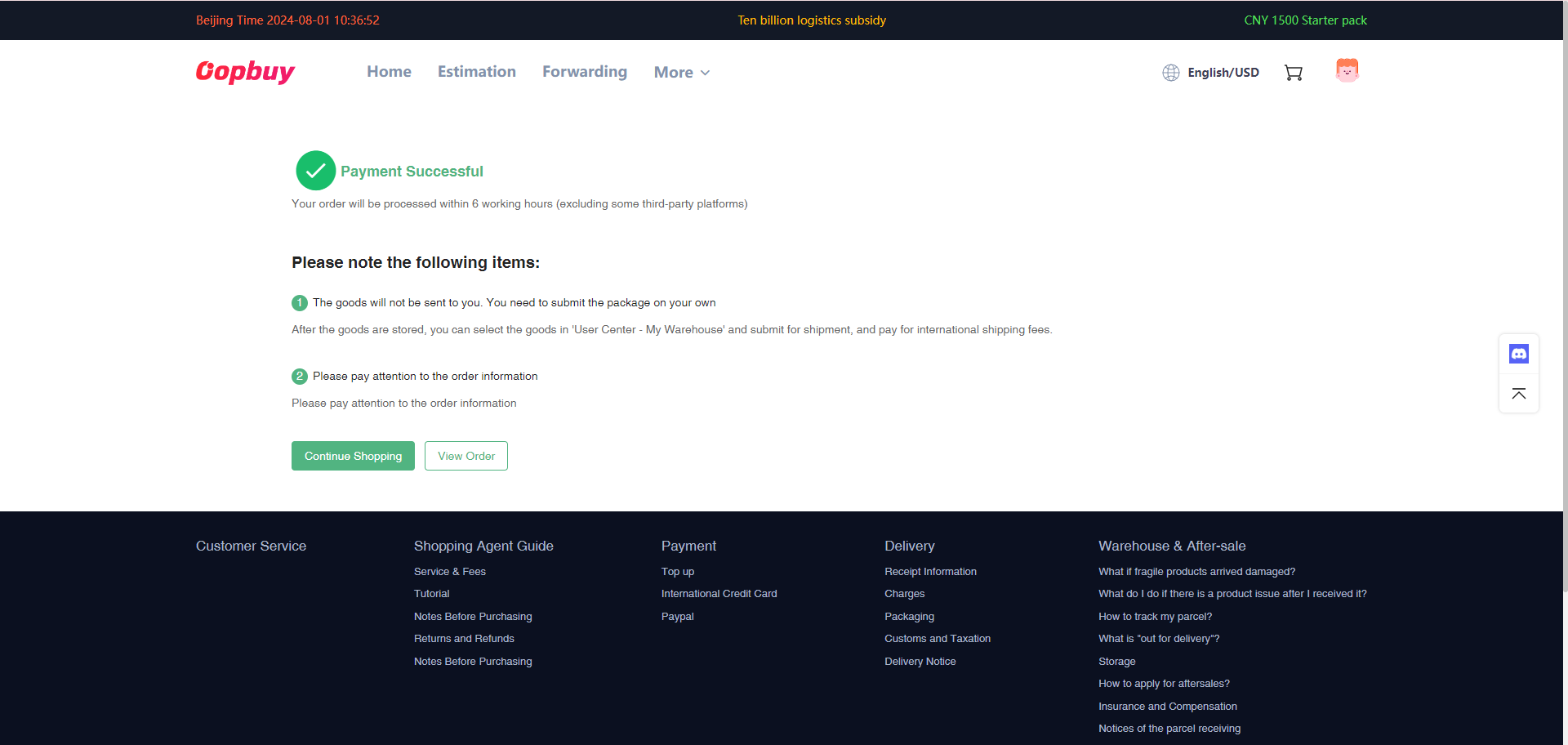
06Follow the purchase and seller dispatch status
An order record is not proof the seller has sent it. Read requests from the buyer or seller and check whether a supplement is awaiting approval. If an item is unavailable, ask for cancellation or an alternative before treating it as part of your parcel.
07Open the warehouse record and review QC
When marked stocked in, check your actual item photos promptly. Match the order, variant, labels and visible condition. Request specific extra evidence before releasing it for shipping. The small driver thumbnail in this old tutorial is a placeholder, not an example of a QC photograph. See real QC examples and the conditional return window.
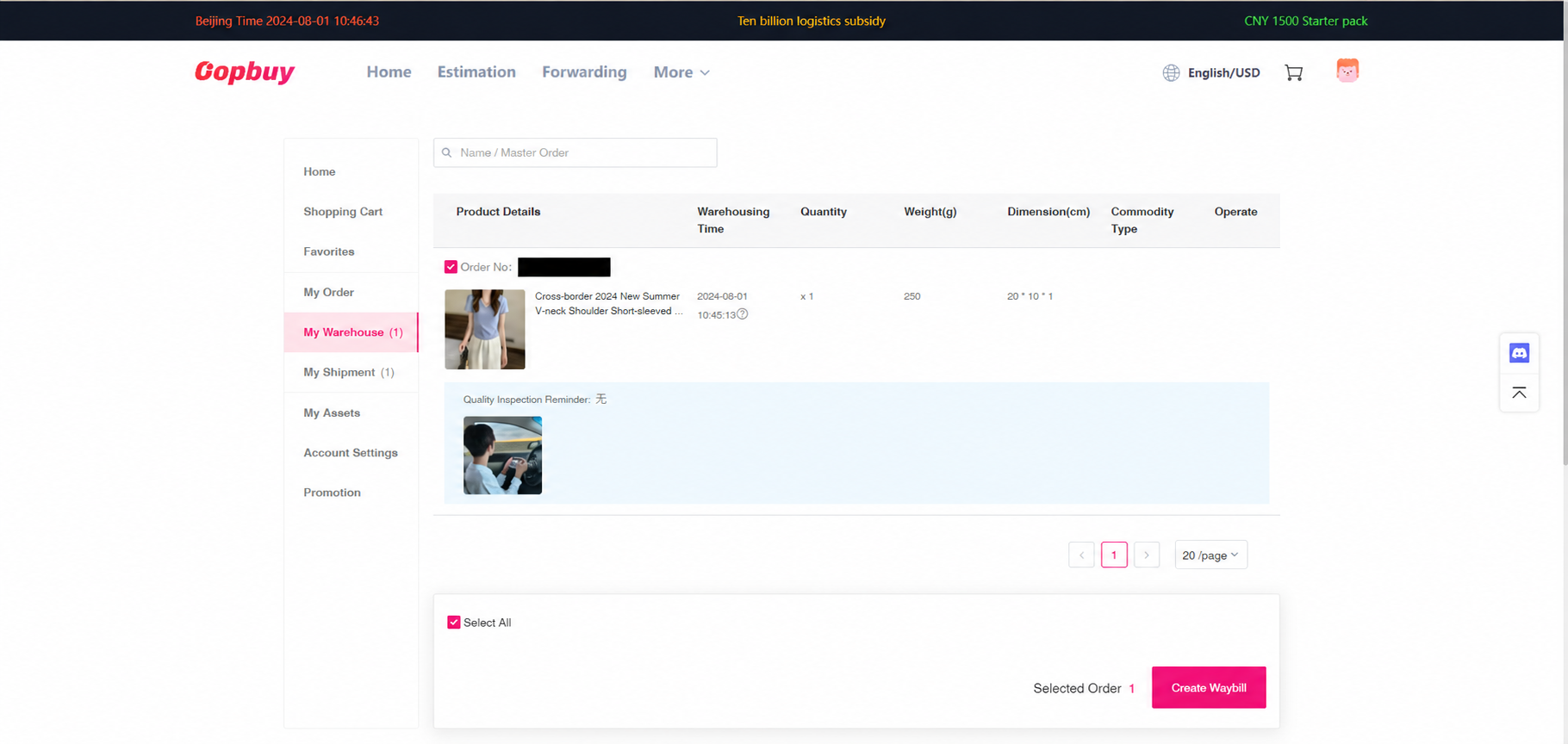
08Create the parcel and complete waybill details
Select only items you have accepted. Check the recipient’s full name, address, postcode and contact details. Compare routes eligible for the actual goods, including liquids or batteries. Make accurate declarations and choose packaging for protection and size; do not guess a value to seek a lower charge.
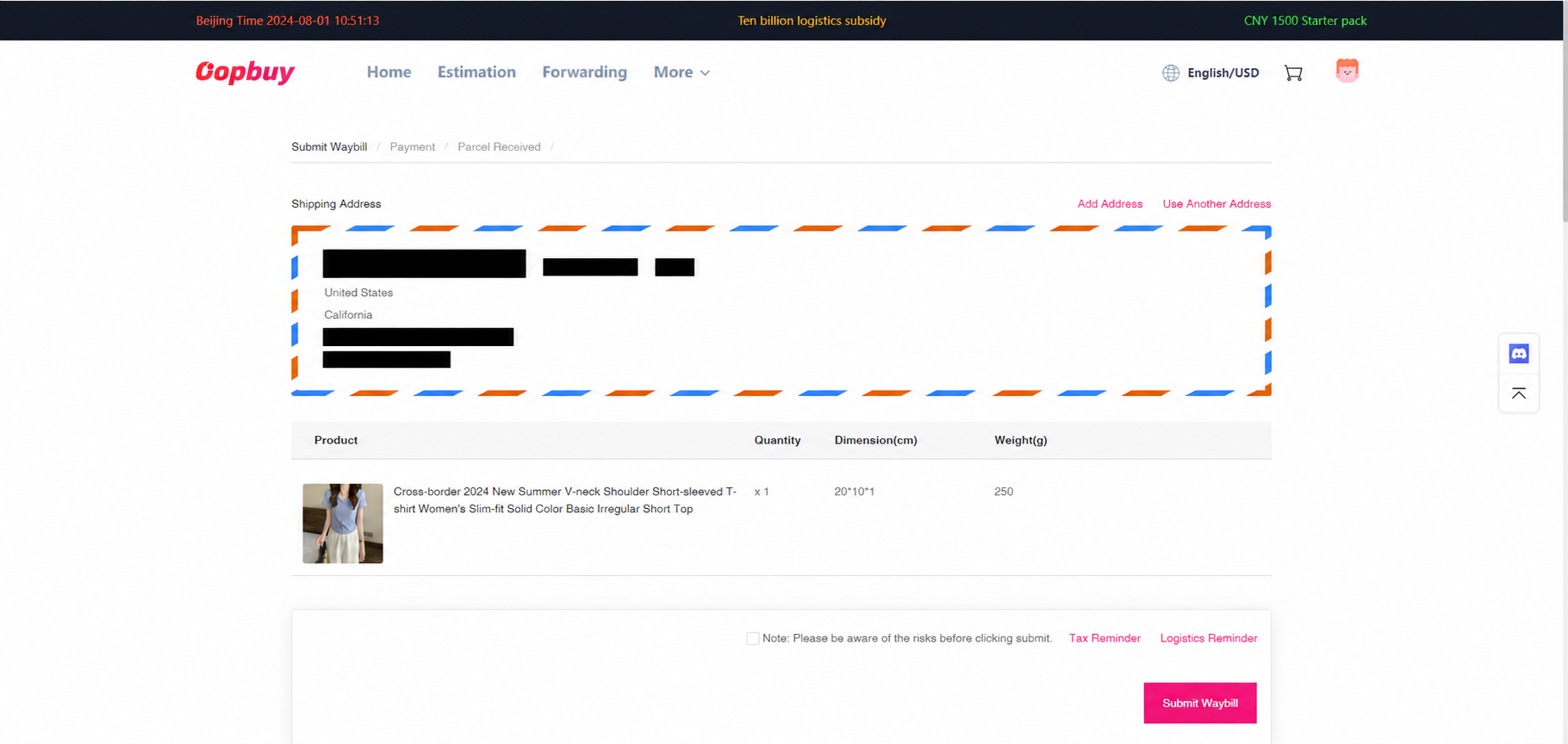
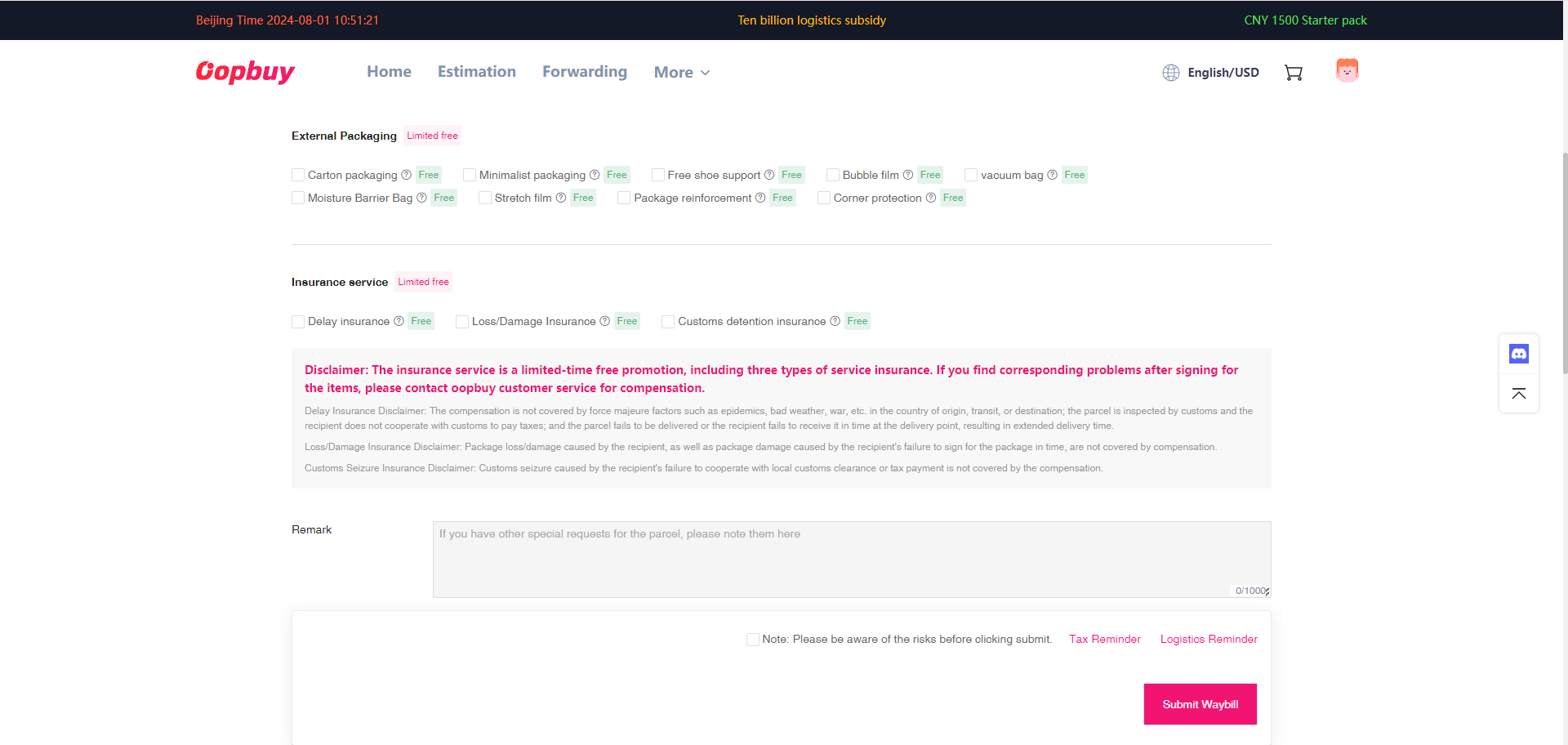
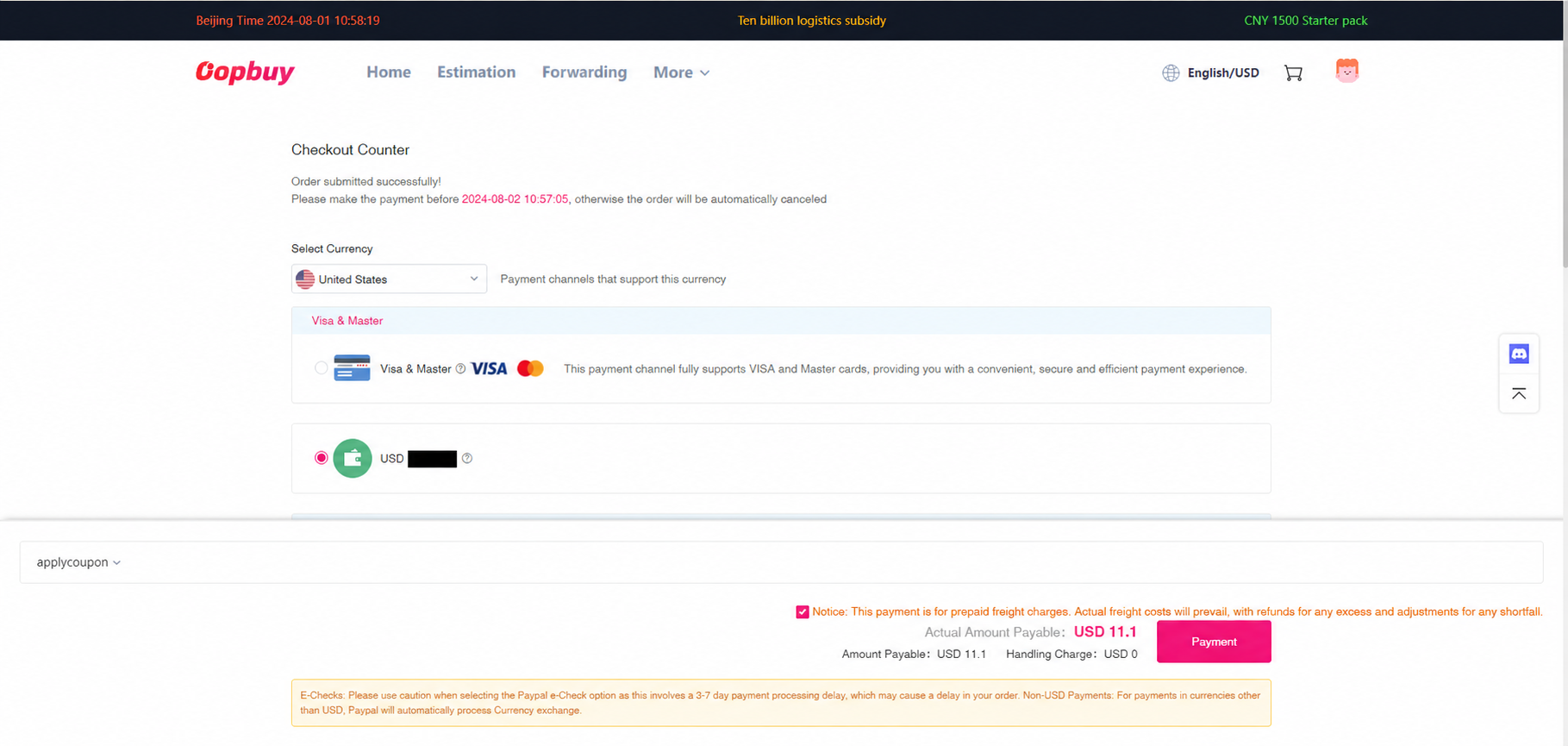
09Review the estimated freight payment
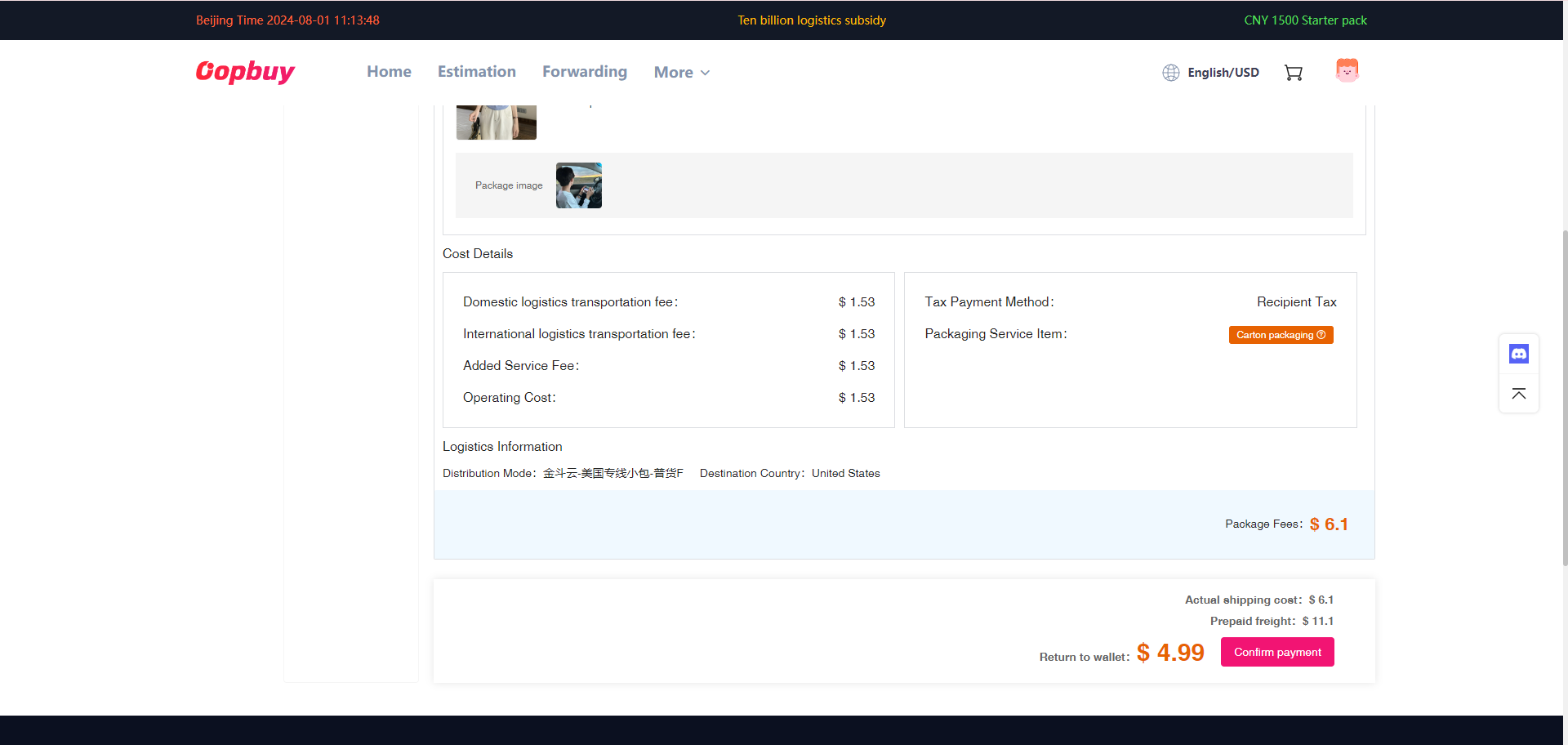
The screen estimates freight before all final packing information is settled. Check weight basis, route exclusions, optional services and account balance. Estimated weight can differ from packed or volumetric chargeable weight. Keep enough budget for any stated adjustment rather than treating this as a fixed final bill.
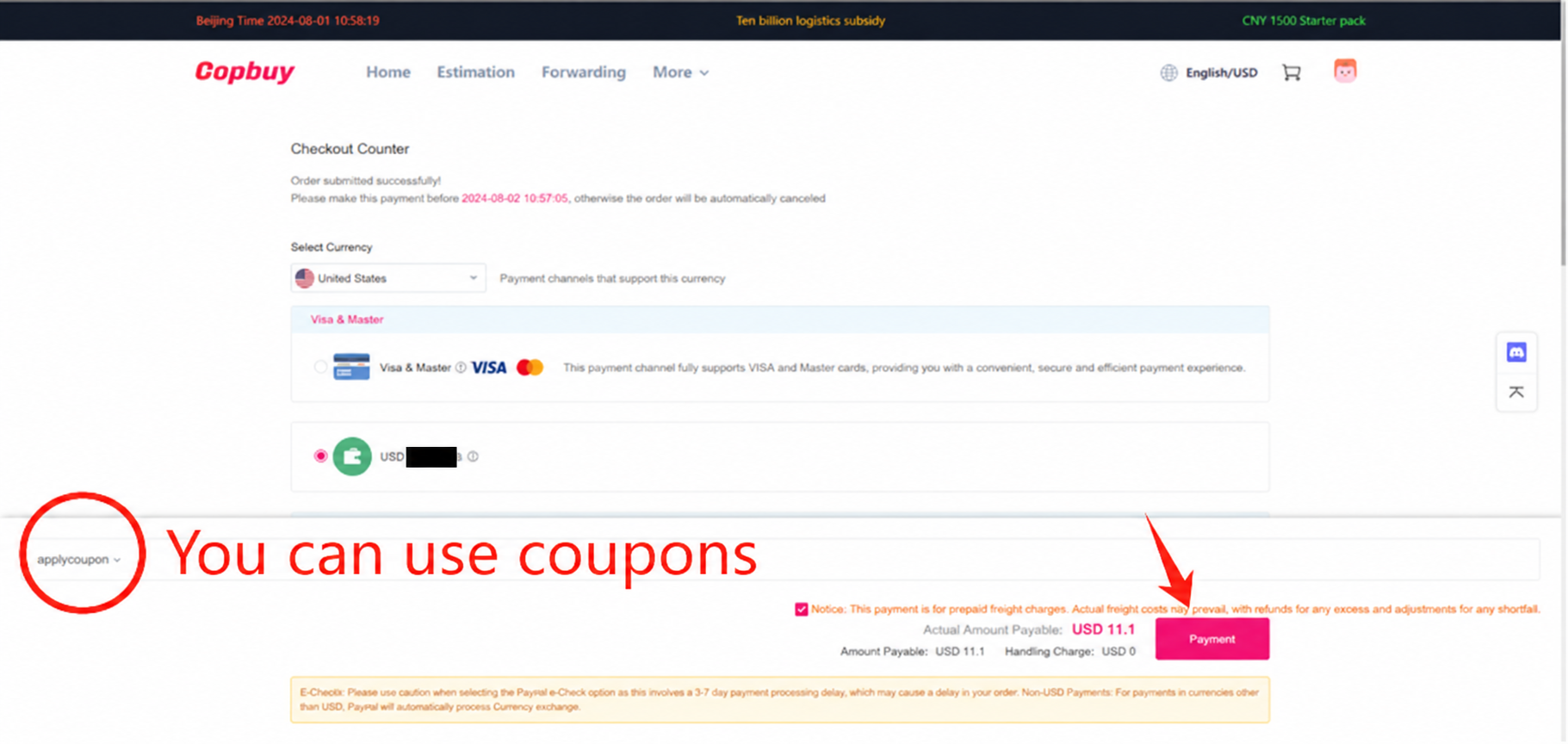
10Check settlement and any adjustment
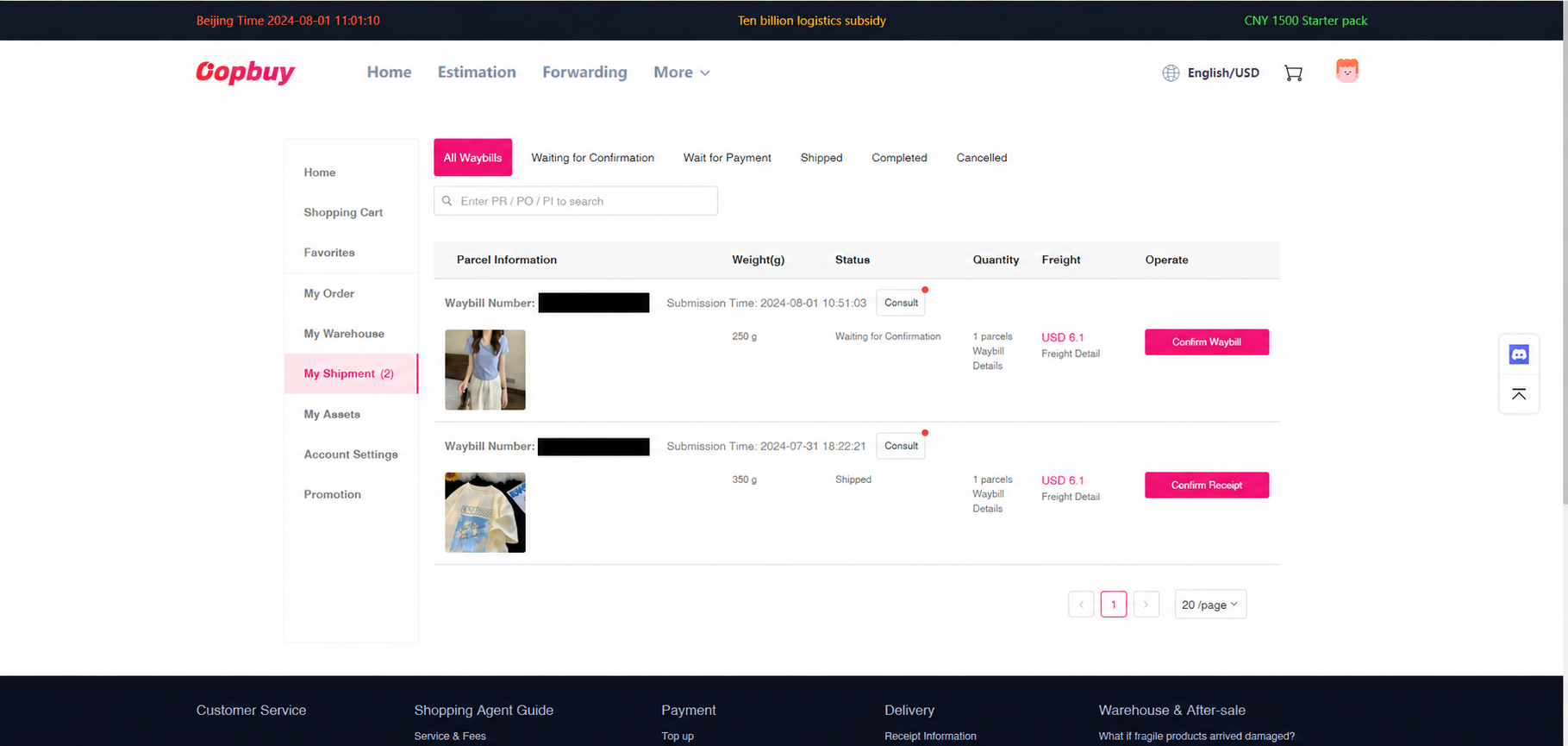
Read the final packed weight, services and amount charged. Confirm how an overpayment or shortfall is handled on your current order. Query an unexplained change before authorising it. The tutorial’s thumbnail and amounts are illustrative; they do not establish what your parcel contains.
11Track dispatch and prepare to receive
Open the parcel tracking record, then check the carrier after handover. A created label can precede a physical scan. Keep the parcel number and read any delivery or customs request in the official account. At delivery, photograph the outside label, packaging and contents before discarding them; use the support checklist for missing or damaged goods.