
Statement October 2026Channel PayPalPages read 15 October 2026
Oopbuy PayPal top-ups from the UK: the fee, the conversion and the holds
PayPal is the quickest way into an Oopbuy balance and the one with the most printed detail. It is also the one where the official pages disagree on the fee.
01The fee on the Top up page
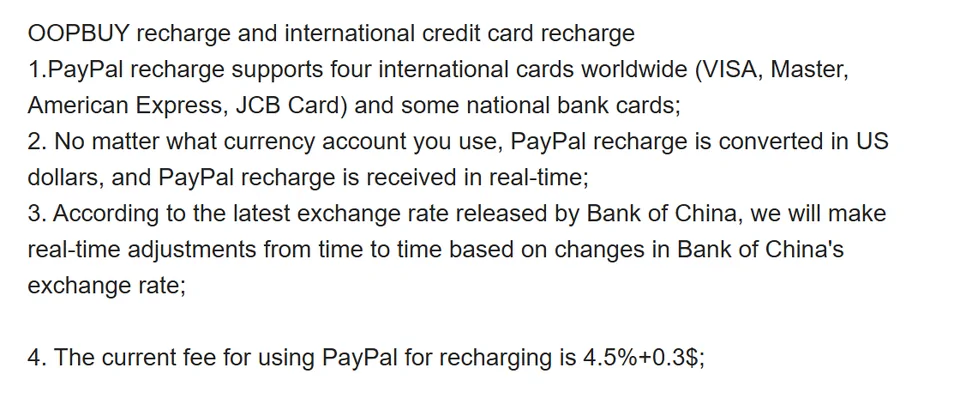
The Top up page, in the site footer under Payment, says four things about PayPal. It accepts Visa, Mastercard, American Express and JCB plus "some national bank cards". Whatever currency your PayPal account uses, the top-up is converted into US dollars and arrives in real time. Oopbuy adjusts its rates from time to time in line with Bank of China rates. And "the current fee for using PayPal for recharging is 4.5%+0.3$".
We re-read that page on 15 October 2026 and the figure had not changed since the 10 October capture.
02Two FAQ answers that say 3.7 per cent
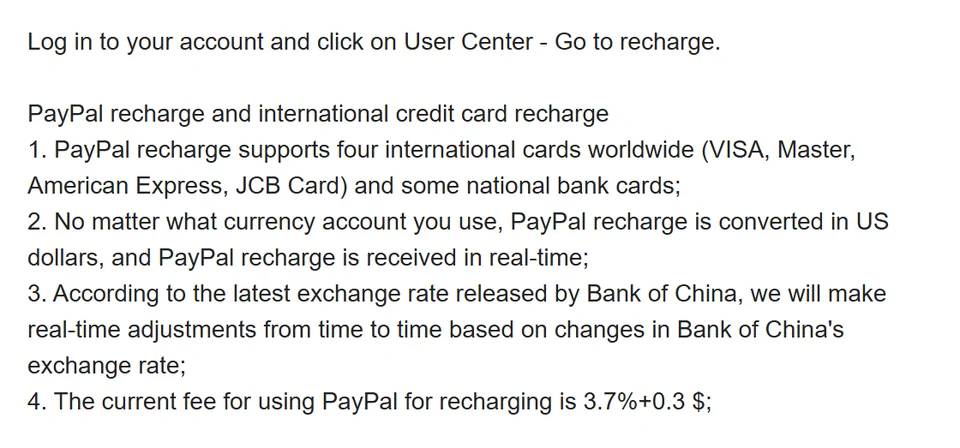
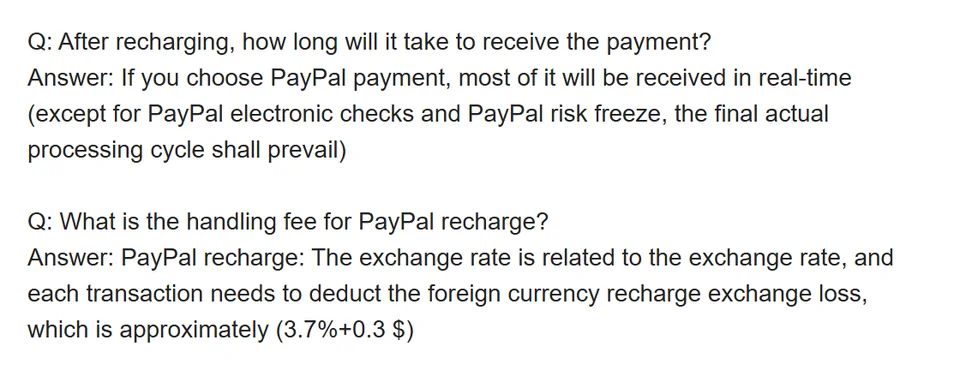
Two FAQ entries give a different number. "What recharge methods does OOPBUY support?" repeats the Top up page word for word until the last line, which reads 3.7%+0.3 $. A second answer, about how long a recharge takes, calls the charge a "foreign currency recharge exchange loss" deducted from each transaction, "approximately (3.7%+0.3 $)".
The footer page is the more prominent of the three and probably the newer, but Oopbuy has not said which governs. On a $100 top-up the gap is under a dollar; on $500 it is about $4. Plan with 4.5% and treat anything lower as a pleasant surprise.
03Taken off the top or added on: the pages do not say
A percentage fee can work two ways. Either you send $100 and something under $96 lands, or the fee is added and you pay about $104.80 to land $100. The Top up page does not say which. The second FAQ answer uses the word "deduct", which suggests the first reading.
To land exactly $100 under the deduct reading you send $105.03 at 4.5%, or $104.15 at 3.7%. Under the add-on reading, $104.80 or $104.00. Four answers within about a dollar of each other; the screen at the moment of payment settles it.
04Pounds become dollars before Oopbuy sees them
For a UK buyer the 4.5% is not the whole cost. If your PayPal balance or card is in pounds, PayPal turns them into dollars first, at a rate PayPal sets and shows you before you confirm. PayPal's checkout often offers to let your card issuer do the conversion instead; that swaps PayPal's rate for your card's rate and any non-sterling fee the card charges.
Then the dollars are turned into yuan for your balance. The Top up page ties that to Bank of China rates adjusted from time to time. Oopbuy's estimator prints dollar prices with a divisor of 5.9756 yuan per dollar; that observation does not establish a current conversion margin. That is three steps, each with its own margin.
05Adding a card inside PayPal
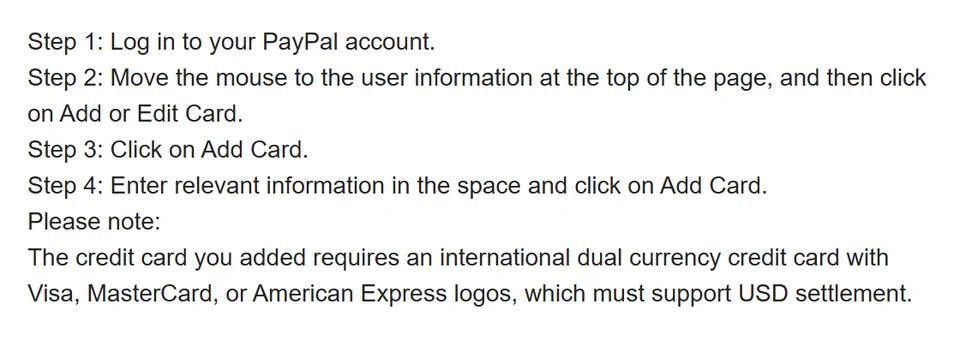
If you top up through PayPal with a card rather than a PayPal balance, the card has to be in your PayPal account. Oopbuy's FAQ on adding one says the card must be "an international dual currency credit card with Visa, MasterCard, or American Express logos, which must support USD settlement".
Most UK cards will process a dollar payment, so that line reads like advice written for buyers in mainland China. Still, it explains some declines: a card that blocks foreign transactions, or one with its overseas setting switched off in the banking app, fails at this step.
06The $1.95 card check
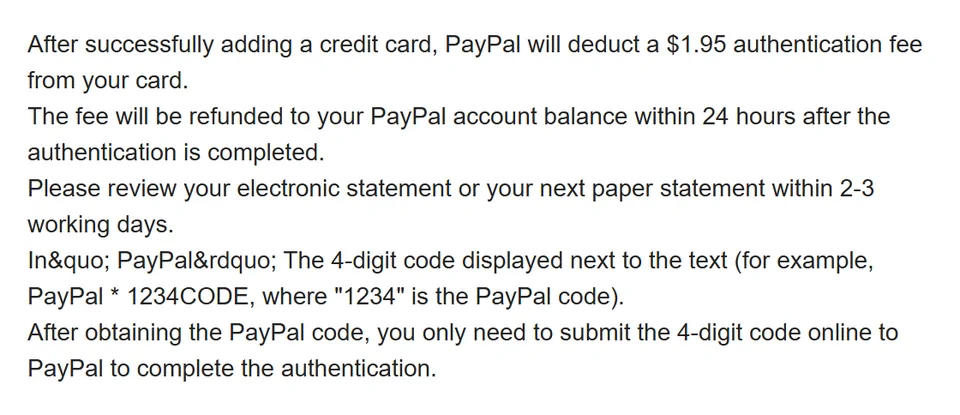
Another FAQ entry describes PayPal's card confirmation. After you add a card, PayPal takes $1.95 from it, shows a four-digit code next to the word PayPal on your statement, and you enter that code to confirm the card. The $1.95 comes back to your PayPal balance within 24 hours.
On a UK card that small dollar charge can attract the card's own non-sterling fee, which is not refunded with it. Pennies, but it is the first place many buyers notice that every step of this route is in dollars.
07Matching the PayPal address to the parcel address
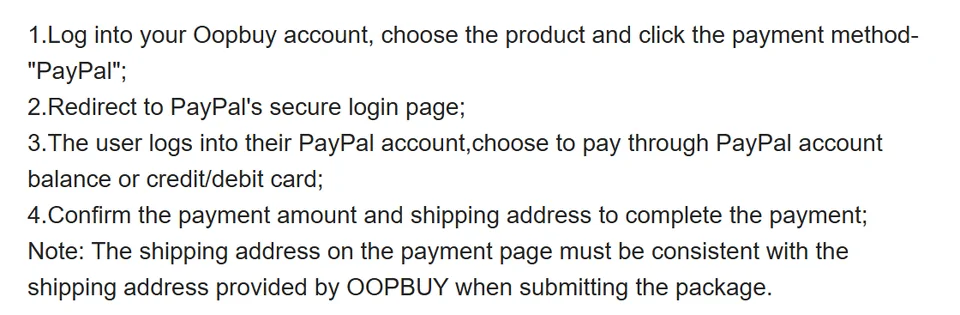
The PayPal help page ends with a note that is easy to skip: the shipping address on the PayPal payment page must match the address you give Oopbuy for the parcel. A separate FAQ explains how to change the PayPal delivery address on the payment page before you confirm.
If you top up from a UK PayPal account but plan to ship to a relative abroad, sort this out first. A mismatch is one of the things that sends a payment into review.
08When PayPal holds the money
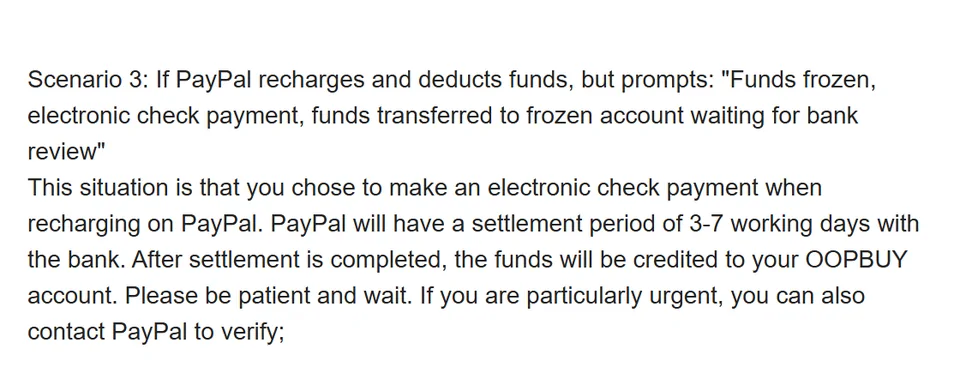
The FAQ on top-ups that left your account but never arrived covers three cases. Normal PayPal top-ups land in 1 to 60 minutes. If PayPal flags the payment for a risk review, it usually takes 3 working days; approved money is credited and refused money goes back to the account you paid from. If you chose an electronic cheque, settlement takes 3 to 7 working days.
An electronic cheque is PayPal paying from your bank account rather than a card or balance. If speed matters, choose a card or PayPal balance on the PayPal screen.
PayPal questions from UK buyers
Can I top up in pounds through PayPal?
You can pay from a pound balance or card, but Oopbuy states that PayPal top-ups are converted into US dollars whatever currency you use. The conversion happens before Oopbuy's fee.
Is the 4.5% charged on card payments at checkout too?
Oopbuy does not say. The card option at the cashier runs through PayPal's card form, so check the total on the payment screen. See Cards.
Which figure should I budget with?
4.5% + $0.30, the figure on the Top up page, re-read on 15 October 2026. Two FAQ answers say 3.7%.