
Statement October 2026Channel Holds and timingPages read 15 October 2026
When an Oopbuy payment is slow, held or locked: timings for UK buyers
Identify whether a payment is pending, under review, failed or already credited before trying again. These are dated observations to compare with your current account.
01How long a top-up takes to land
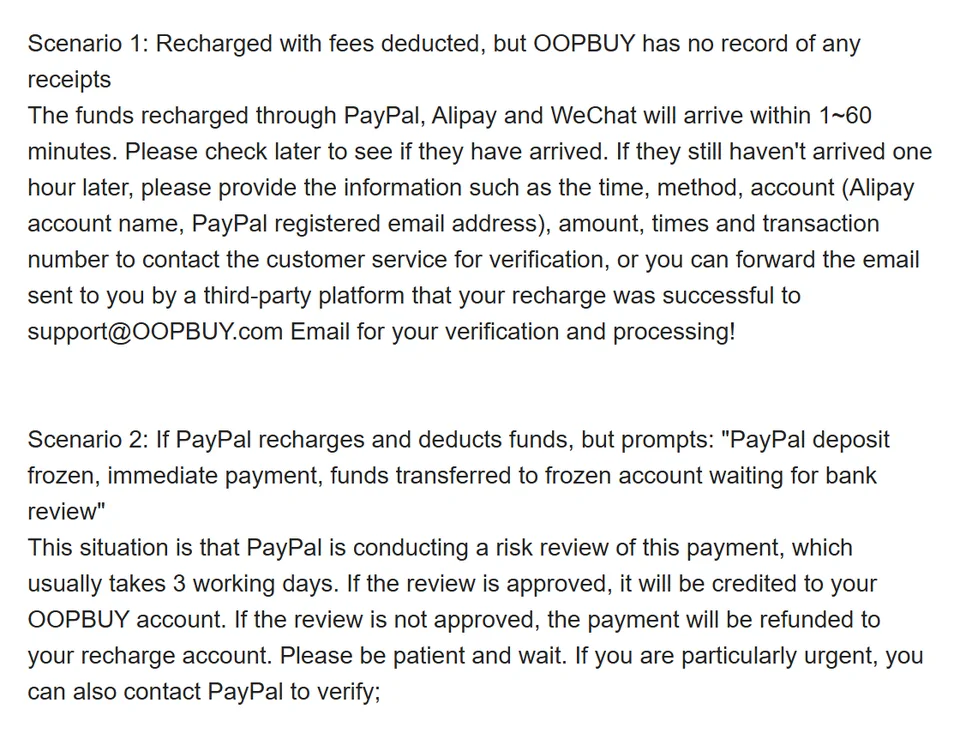
The FAQ for top-ups that left your account but never arrived starts with the normal case. Money sent through PayPal, Alipay or WeChat arrives within 1 to 60 minutes. If it has not arrived after an hour, contact support with the time, method, account email, amount and transaction number, or forward the payment provider's confirmation email.
For UK buyers, Alipay and WeChat are rarely options; the line matters for PayPal. Bank transfers have their own 2 to 3 working day estimate on the remittance notice.
02Payments under review
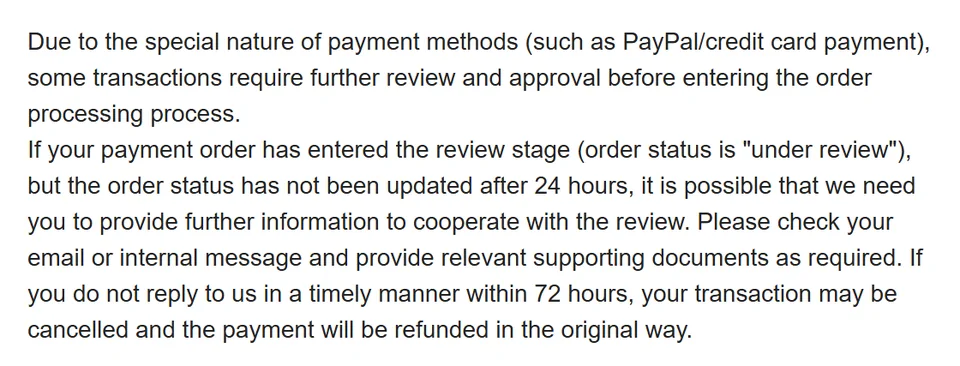
Separate from PayPal's own review, Oopbuy reviews some PayPal and card payments before an order is processed. If the order status still says "under review" after 24 hours, check your email and site messages: you may be asked for supporting documents.
The deadline is firm. If you do not reply within 72 hours, the transaction may be cancelled and the money refunded the original way. If 24 hours pass with no email at all, contact support rather than waiting.
03Paying several orders in one go
Combining orders into one payment saves effort and, with PayPal, the fixed $0.30. The FAQ on consolidated payments adds a catch: if the transaction is under review, for example during a PayPal e-cheque settlement, and you cancel one of the orders in it, the whole transaction is cancelled and returned the original way.
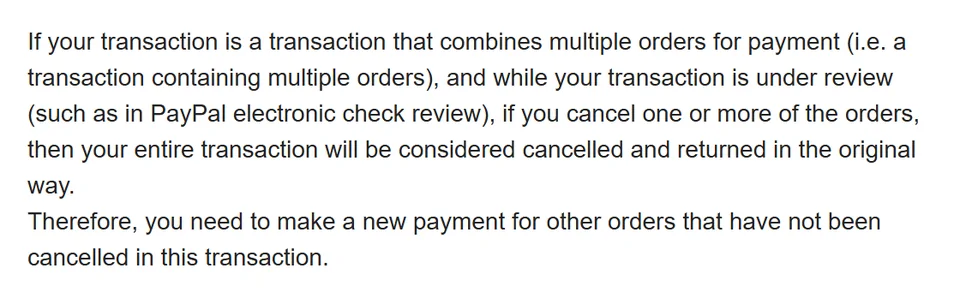
You then pay again for the orders you wanted to keep, and pay the fee again. Ask support how cancellation would affect the combined payment before changing it, while keeping any cancellation deadline in view.
What an account restriction can affect
The historical locked-account FAQ describes restrictions on buying, parcel dispatch and refund requests while a transaction is reviewed or disputed. Save the order and transaction references and ask account support what information it needs.
An operational restriction does not settle your rights with a payment provider. Contact your issuer promptly about an unauthorised payment or dispute, and check its deadlines. Do not cancel a valid claim simply to unlock the account without understanding the consequences. Read the card-payment guidance.
05Money left your account but the payment shows as failed
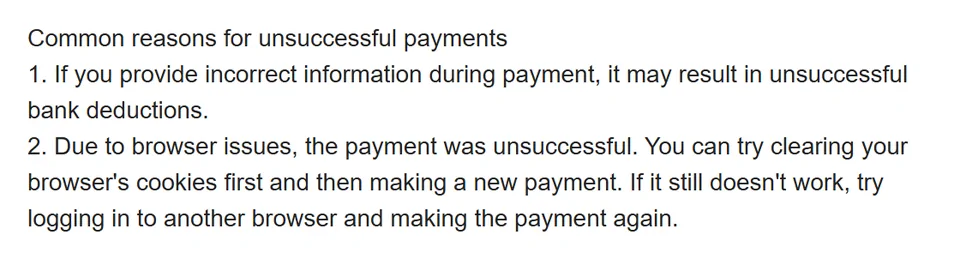
The FAQ for this case says to contact online support with the transaction details. It lists two common causes: wrong details entered at payment, which makes the bank deduction fail, and browser problems. For the second it suggests clearing cookies, or trying another browser.
Keep the provider's confirmation email. Whether the payment later lands or is reversed, it is the record that support and your bank will both ask for.
Plan around status, not a guaranteed arrival time
The old FAQ and remittance notice describe different timing examples, including working-day delays and longer reviews. These are not promises that a transfer sent before a weekend will be available on Monday, or that a card payment will be credited within a day.
If money is needed for an order deadline, confirm the deadline and current payment status with support first. Check account messages and the provider record, and answer verified information requests promptly. Do not send a duplicate payment while the first is unresolved.